
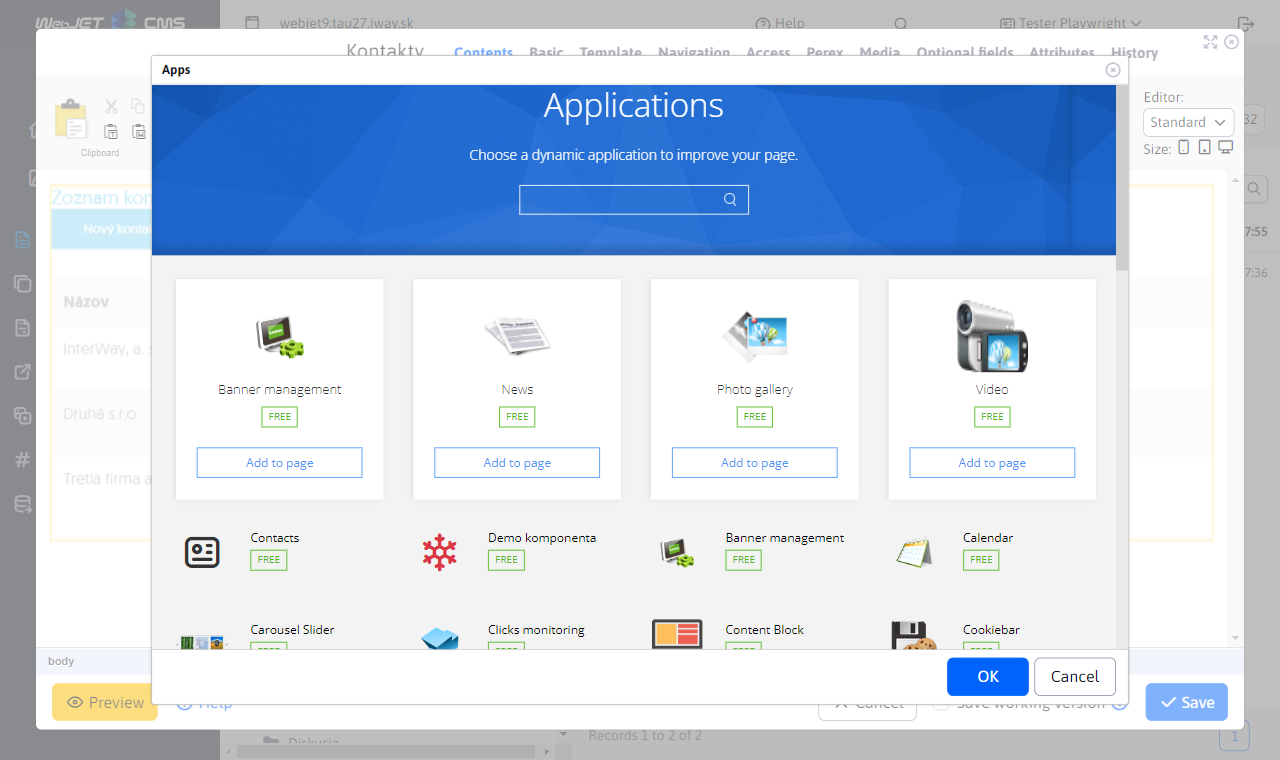
You build the application. Editors add it to their pages.
Build a custom catalogue, calculator or data overview as a Spring MVC application with a Thymeleaf template. Make its settings available in the WebJET CMS editor.
Editors then select the application from the catalogue, configure its parameters and place it where they need it. You manage the application's functionality; they manage the page content.
Spring for data, administration and integrations
An administration interface for your data
Connect a JPA entity and Spring Data repository to a REST controller and the WebJET CMS table editor. Use existing filtering, validation and audit mechanisms to build interfaces for your own records.
Connect systems through REST APIs
Connect the CMS to other systems through REST services. API keys are linked to user accounts and their permissions. Enable Swagger documentation to explore the available endpoints.
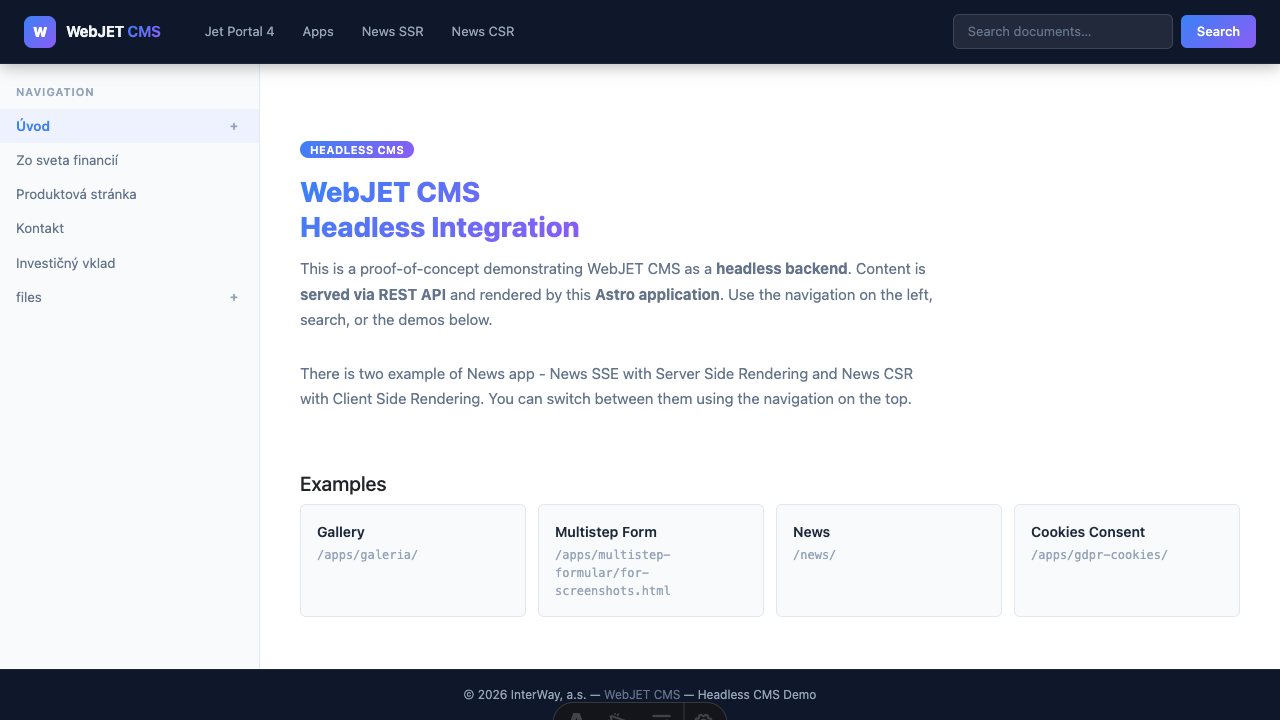
Your own frontend, a shared content workspace
In headless mode, WebJET CMS provides content, navigation, news, search and forms through REST APIs. You can build the frontend with Astro, React or Vue, for example.
Editors continue working in WebJET CMS. A sample application and documentation on session handling and content previews help you get started with your first project.
WebJET guidance for your AI coding tools
Use WebJET CMS skills when developing with Codex, GitHub Copilot or Claude Code. They provide workflows for custom applications, DataTables, PageBuilder blocks, tests and documentation.
Your AI tool gains context on WebJET CMS architecture and conventions. Developers review its proposals and verify them against the version used in the project.
Start your project with basecms
The basecms starter project is ready for your custom templates and applications. The documentation guides you through project setup and your first extension. You can also explore the core source code on GitHub.
The repository's licence terms define how each part of the code may be used.
In development: a Spring Boot version
We are developing a Spring Boot version based on the current Java and Spring Framework architecture. We will announce its availability separately.
Explore your project in a practical demo
We will show you how editors work in WebJET CMS and discuss where to use existing applications and where to build custom extensions.
