
Review changes before they go live
When updating a product offer or an important announcement, you need to know who prepared the change and who can approve it. Set up approvals for selected parts of your website in WebJET CMS. Each draft then waits for a decision from the person responsible.
The approver compares the published and proposed versions, adds a comment and approves or rejects the change. Your editorial process can reflect the responsibilities within your organisation.
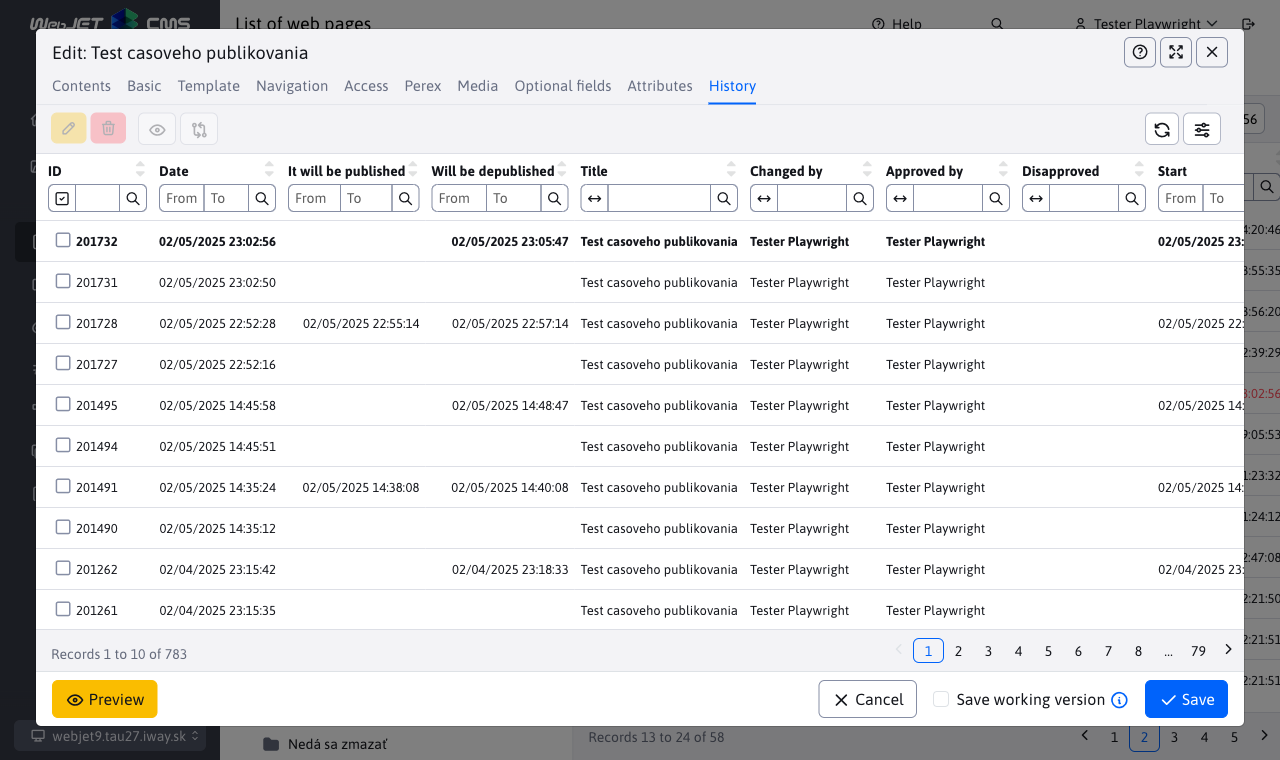
Prepare a page in advance, publish it on schedule
Prepare a press release or an updated offer during working hours, then set the publication date and time. Visitors continue to see the current version until the scheduled change goes live.
Page history helps you find previous content and scheduled changes. With advanced scheduling enabled, you can also prepare protected images and documents for future publication.
Editors update content within your website design
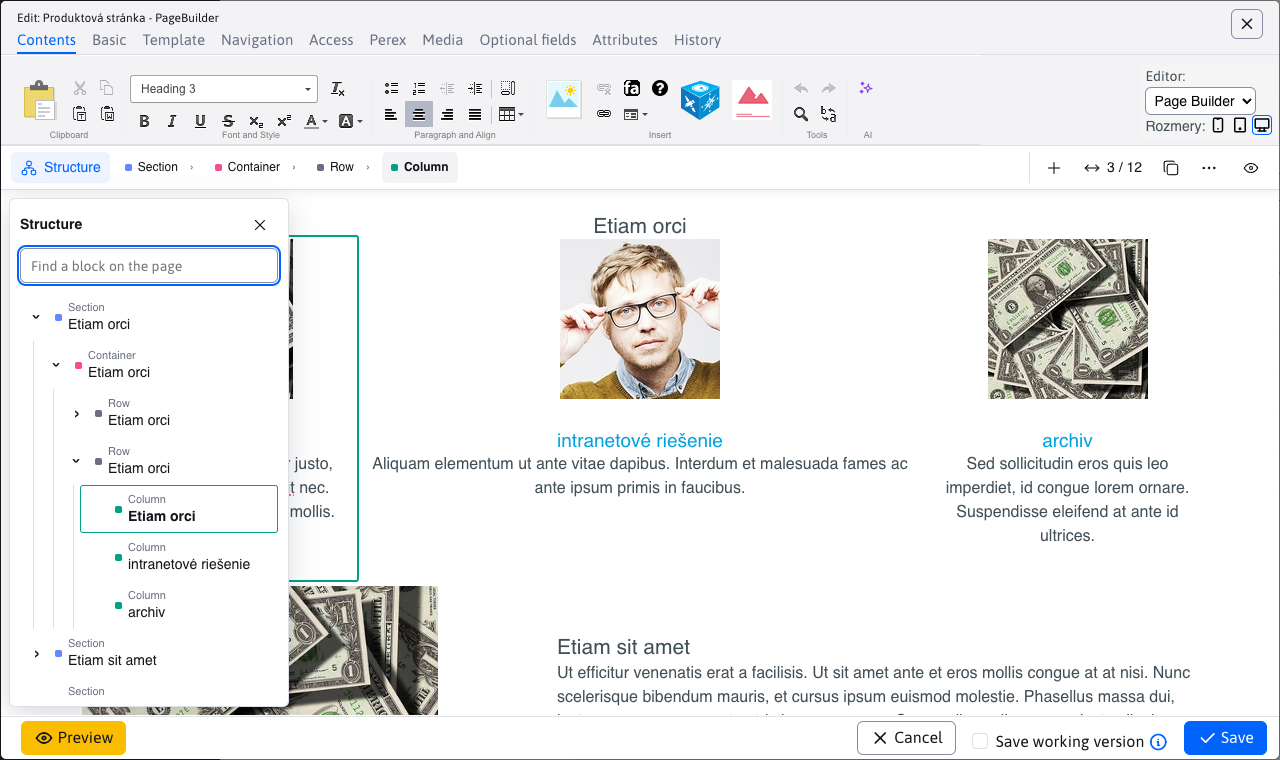
Build a new page section from PageBuilder blocks. Change text and images, move a block and check the preview. Your website team prepares the templates and available blocks to match your visual style.
Everyday content updates stay with the editorial team. Developers can focus on new features and integrations.
AI helps with the first draft and existing text
Draft a page from source materials, rephrase an existing paragraph or translate it. The assistant works directly where you edit your content. Review the result and decide what to use.
Your administrator configures the available assistants and models, monitors AI usage and can set token limits. Selected tasks can also run locally on your own server.
Headless mode: your frontend, content in WebJET CMS
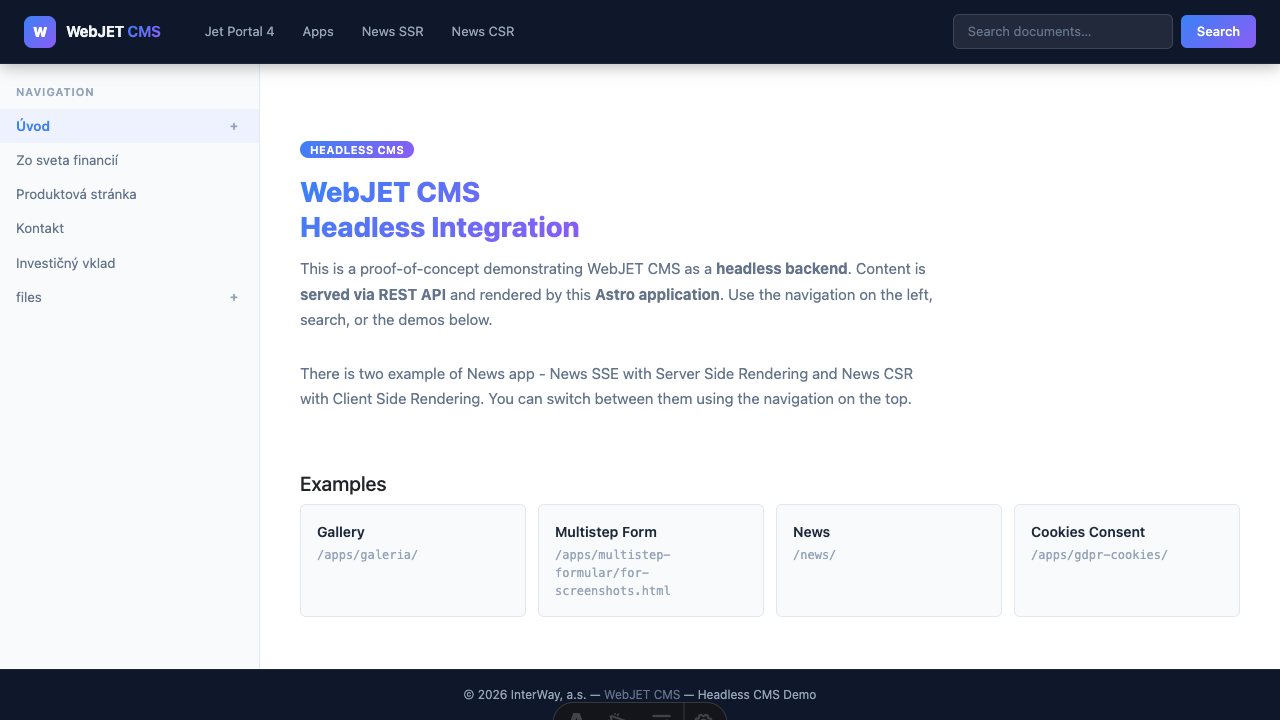
Developers build the website with technologies such as Astro, Next.js, React or Vue. Editors continue to prepare and manage content in WebJET CMS. You can develop the website design and technology independently of the editorial interface.
Access content, navigation, search and forms through the REST API. One CMS can serve content to several websites with different frontends, so you do not need a separate editorial system for each site.
Multi-step forms: guide visitors through each part of an application
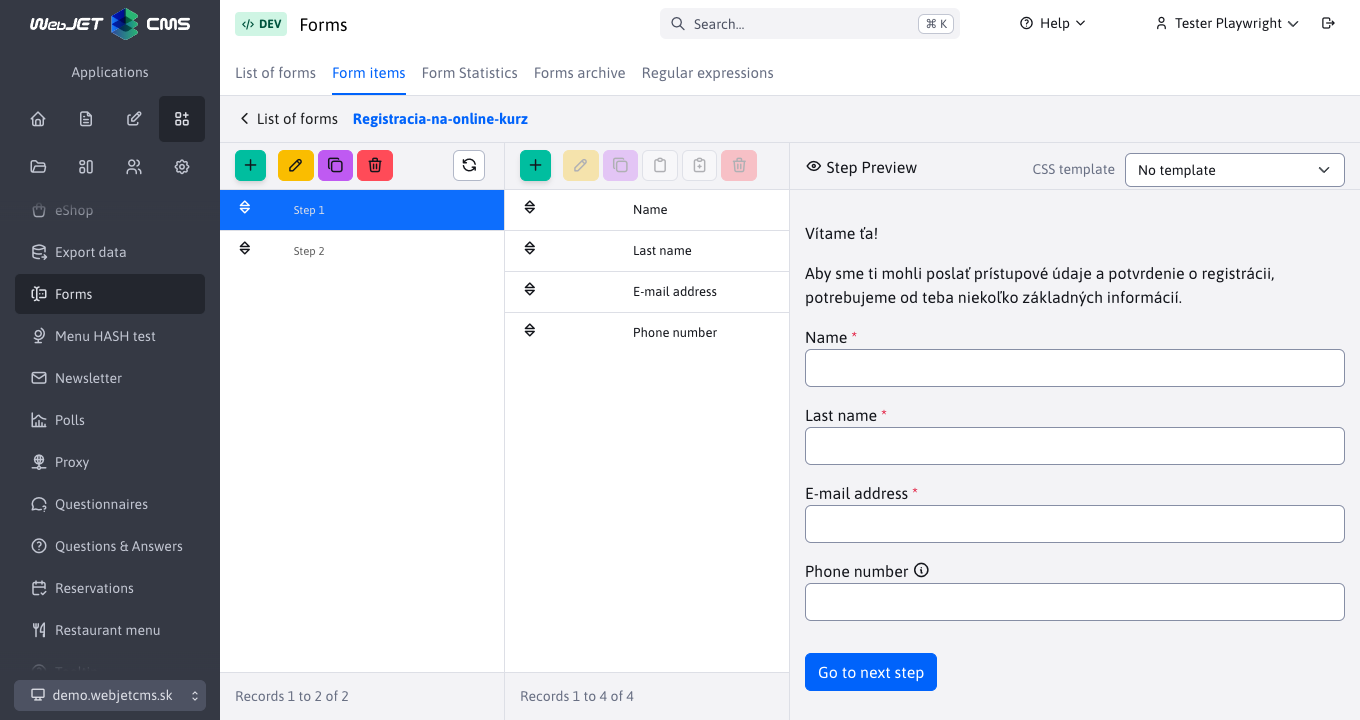
Divide a longer application, registration or enquiry into named steps. Visitors complete each section in turn and can use the Back button to return to earlier answers and correct them.
Show fields or make them required based on previous answers. Validation flags missing values or incorrect formats. Add, move and preview steps and fields directly in the administration interface.
Forms and response management · Multi-step form documentation
Give each team its own part of the website
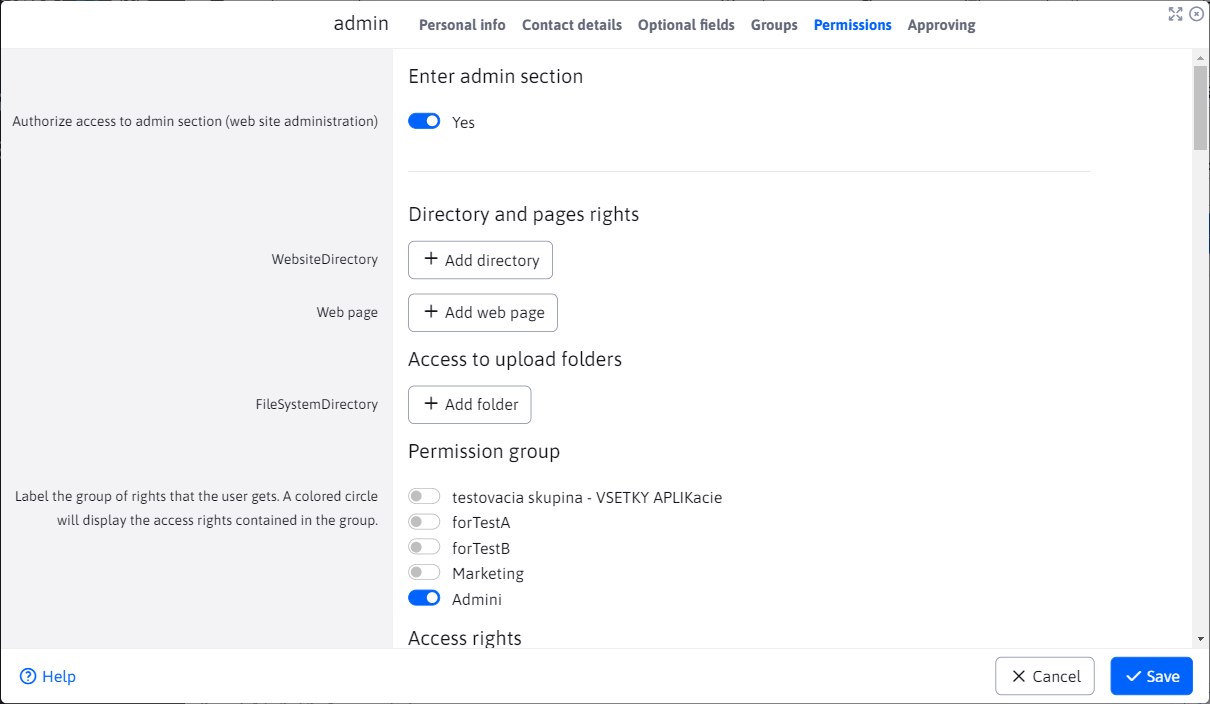
HR updates careers pages, marketing manages offers and the communications team publishes press releases. Set permissions for folders, individual pages, files and applications, either directly or through groups.
Manage several domains and language versions from one administration interface. Content history and configured audit logs help you trace changes and user actions.
Develop your website around your organisation's processes
Start with content, forms and document management. When you need a custom data register or an integration with an internal system, developers can build on WebJET CMS's Java/Spring foundation and REST API.
We design each integration around your systems and requirements.
In development: schedule related website changes together
For campaigns spanning several pages, we are developing shared drafts, a combined preview and scheduled publication of related changes. This feature is in development; scheduling currently works on individual pages.
See WebJET CMS handle your team's tasks
Let us walk through your editorial process, an application form and the options for connecting your own frontend. The demo will focus on what your website needs to do.
